Open the tutorials in Google Colab or JupyterLab
At the top of every notebook page on doQumentation, Open in: JupyterLab (Binder) and Colab take the tutorial to a full notebook, where you can add cells, keep experimenting and save your work. Download saves the notebook file.
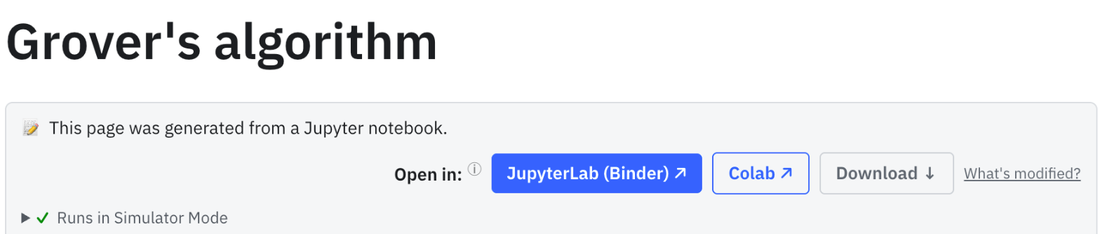
Google Colab
The notebook opens in your Google account's Colab. Its first cell installs Qiskit and the packages the tutorial needs, and Colab runs it for you when the notebook opens. Save a copy to your Google Drive to keep your changes.
JupyterLab
JupyterLab (Binder) starts a full JupyterLab with Qiskit already installed, on the same free Binder service that runs the code on the page. A progress display shows how far the start has got.
In your language
On a translated site, for example the German or Japanese one, JupyterLab and Colab open the translated notebook, so the explanations between the code cells stay in your language.
Try it on these pages
Frequently asked questions
Do I have to install Qiskit in Colab?
No. The first cell of every notebook installs what the tutorial needs, and Colab runs it automatically when the notebook opens.
Do I need a Google account?
For Colab, yes. JupyterLab and the Run button on the page need no account.
How do I keep my changes?
In Colab, save a copy to your Google Drive. In JupyterLab, download the notebook before you close the tab; the Binder session is temporary. Download on the page saves the original notebook.